
Blocked emails?
Give them the boot.
Block a sender with BYE! and let it automatically clear their emails from Gmail Trash. Less unwanted mail. Less manual cleanup.
Want a fresh start? Empty Spam or Trash with a click. This permanently clears the whole folder, not just blocked senders’ emails.
Try BYE!
Why Bye
One extension for the gap Gmail leaves open.
Effective blocking
Periodically requests permanent deletion of matching blocked-sender messages in Trash while the extension can run and you are signed in.
One-click clean
Separate controls clear Spam or Trash for selected accounts. Permanent deletion cannot be undone through Gmail’s normal recovery flow.
Simple pricing
Pro is $4.99/month or $45.99 billed yearly (about $3.83/month).
Understand permissions
BYE! needs broad Gmail access for permanent deletion and filter management. Read the permissions and privacy information before connecting.
Pricing
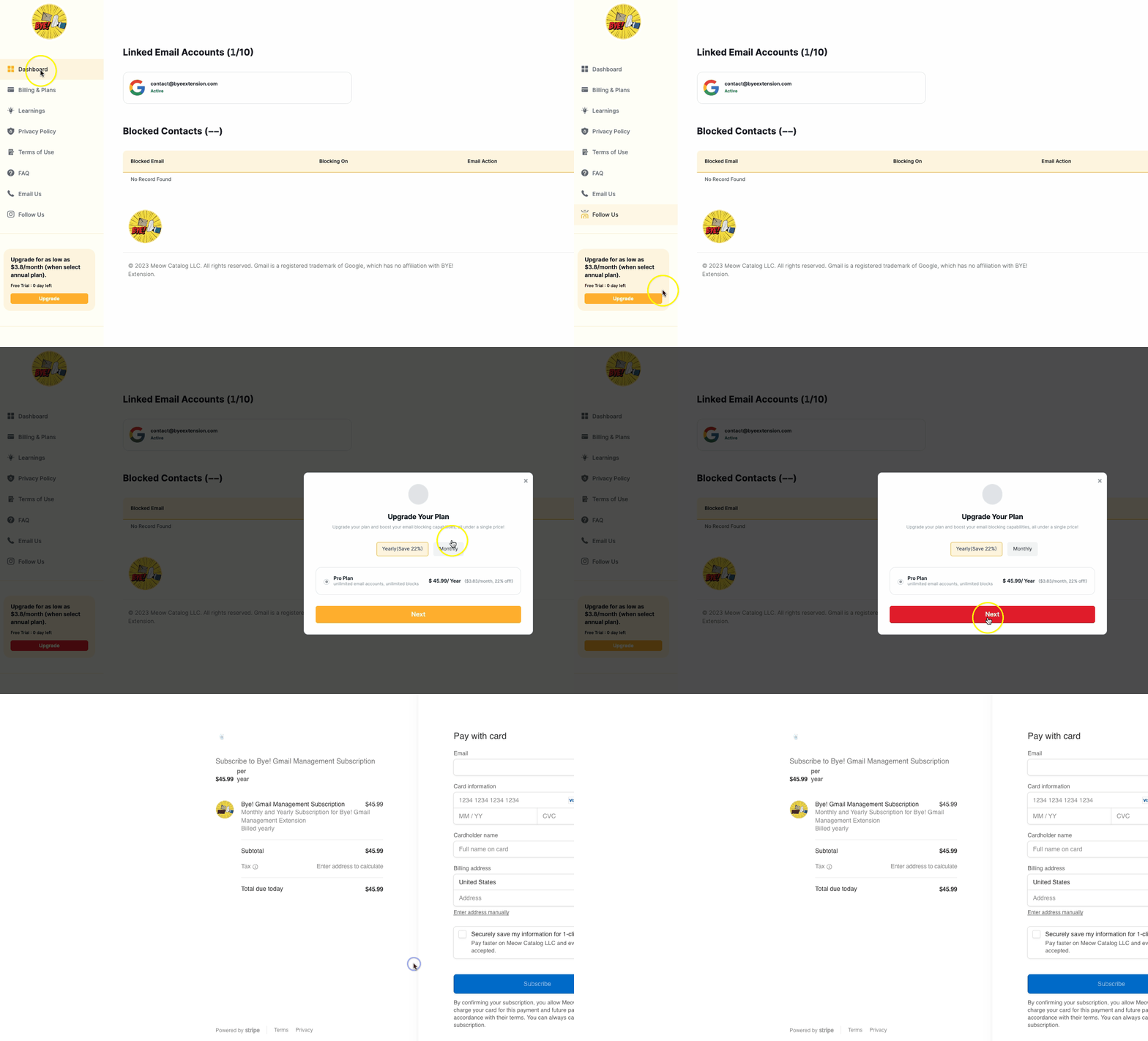
The seven-day trial ends on limited Free without a charge. A paid plan starts only if you choose to upgrade and pay. Payments for upgrades are processed through Stripe.
Free
7-day trial, then limited
- Trial: 1 Gmail account, unlimited one-click Spam & Trash cleaning, 1 blocked sender
- After trial: 1 Gmail account · 1 blocked sender · limited folder clearing
Monthly
Full blocking suite
Scheduled sender cleanup in Trash, plus separate Spam and Trash clearing.
- Manage multiple linked Gmail accounts
- Unlimited one-click Spam & Trash cleaning
- Unlimited blocked senders
Yearly
Best value
Scheduled sender cleanup in Trash, plus separate Spam and Trash clearing.
- Manage multiple linked Gmail accounts
- Unlimited one-click Spam & Trash cleaning
- Unlimited blocked senders
- Save about 23% versus twelve monthly payments
Requirements and limitations
Cleanup needs Chrome to run the enabled extension, a signed-in account, valid Google authorization, an internet connection and BYE!’s backend. Checks can be delayed; messages may remain visible before cleanup. Do not rely on a fixed deletion deadline or cleanup while Chrome is fully stopped.
Why Gmail Block leaves messages in Spam · Compare deletion methods · Permissions and data flow